SSH Gateway
Overview
SSH Gateway is used to accelerate access to overseas assets without installing additional programs. It relies on SSH port forwarding of a jump host.
How it works
- Next Terminal actively connects to a jump host (SSH Server)
- Select this SSH gateway when creating assets
- Traffic is forwarded through SSH port forwarding on the jump host
Typical scenarios
- Accelerate access to overseas servers
- Improve cross-region connection performance
Usage
1. Add SSH gateway
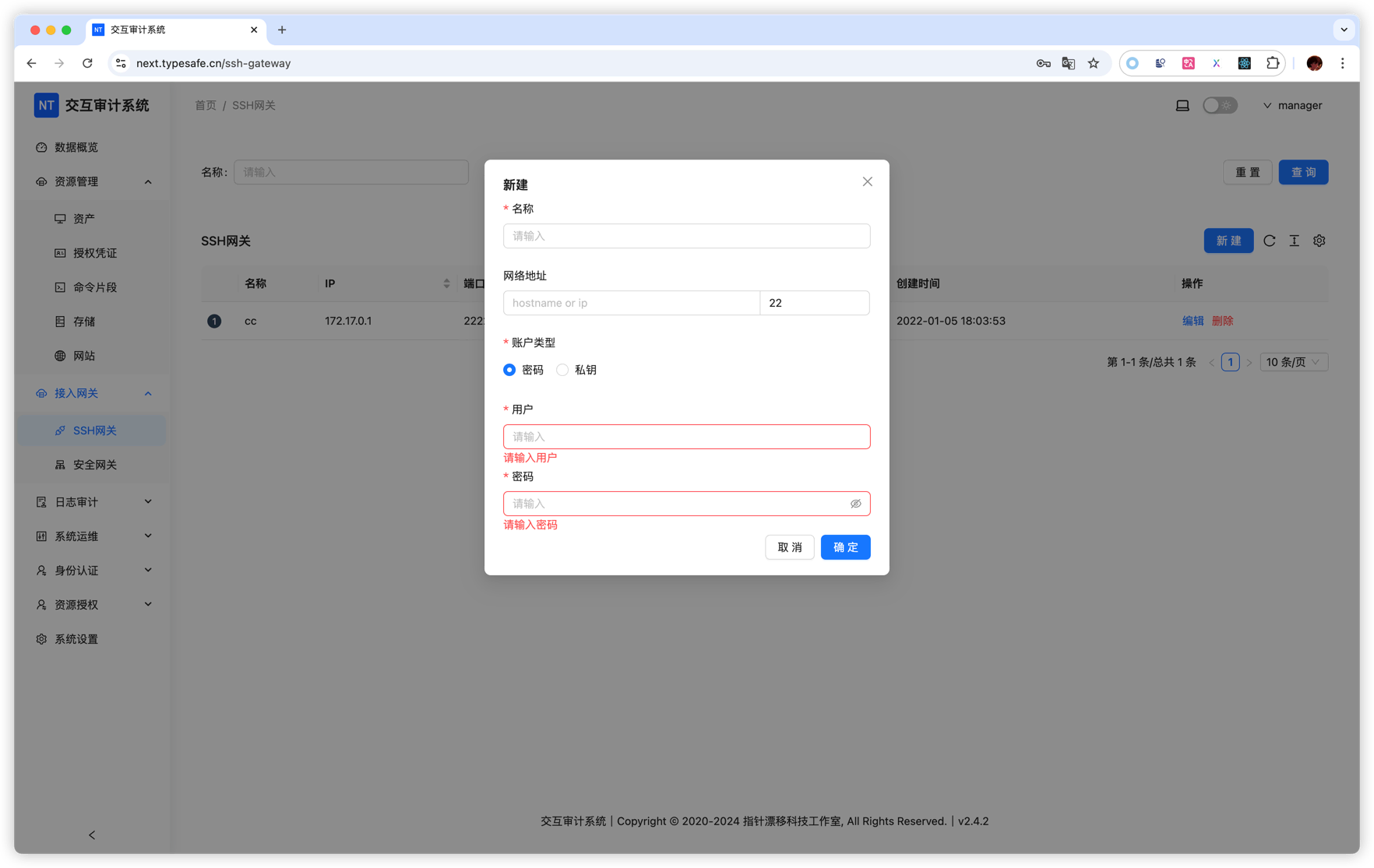
In SSH Gateway management, configure jump host info:
- Name: for example
Overseas Jump Host - Address: jump host IP or domain
- Port: SSH port (default 22)
- Username: SSH account
- Password or key: authentication credential
2. Add asset and bind gateway
When adding overseas assets:
- Fill target asset IP/domain
- Select jump host in SSH Gateway dropdown
- Fill other connection settings
3. Access asset
Traffic is routed through SSH gateway and connection speed is improved.
Example
Suppose direct access from China to us-server.example.com is slow. You can use jump host us-jump.example.com:
- Add SSH gateway with address
us-jump.example.com - Add asset
us-server.example.comand select this gateway - Access traffic is relayed through the US jump host
Notes
- Ensure SSH Server allows port forwarding (
AllowTcpForwardinginsshd_config) - Ensure jump host has good connectivity to target assets